

Introducing the new alameensoft Download Center

All our software, updates and release notes are now in one place: downloads.alameensoft.com.
We've launched the new alameensoft Download Center. It's the official place to download installers for our products, find the latest updates, read what changed in each version, and reach our mobile apps on the App Store and Google Play.
The site works in Arabic and English, on desktop and on your phone, and you don't need an account to download our public products.
Download a product in four steps
Go to downloads.alameensoft.com.
Find your product on the home page, under Products, or with the search box at the top.
On the product page, click View release details on the latest release, or pick an earlier version from Recent Releases.
Under Version Files, click Download next to the file you need.
Before you install, look for the green Signed badge next to the file name. It means the installer is digitally signed by alameensoft (more on that below).
A tour of the site
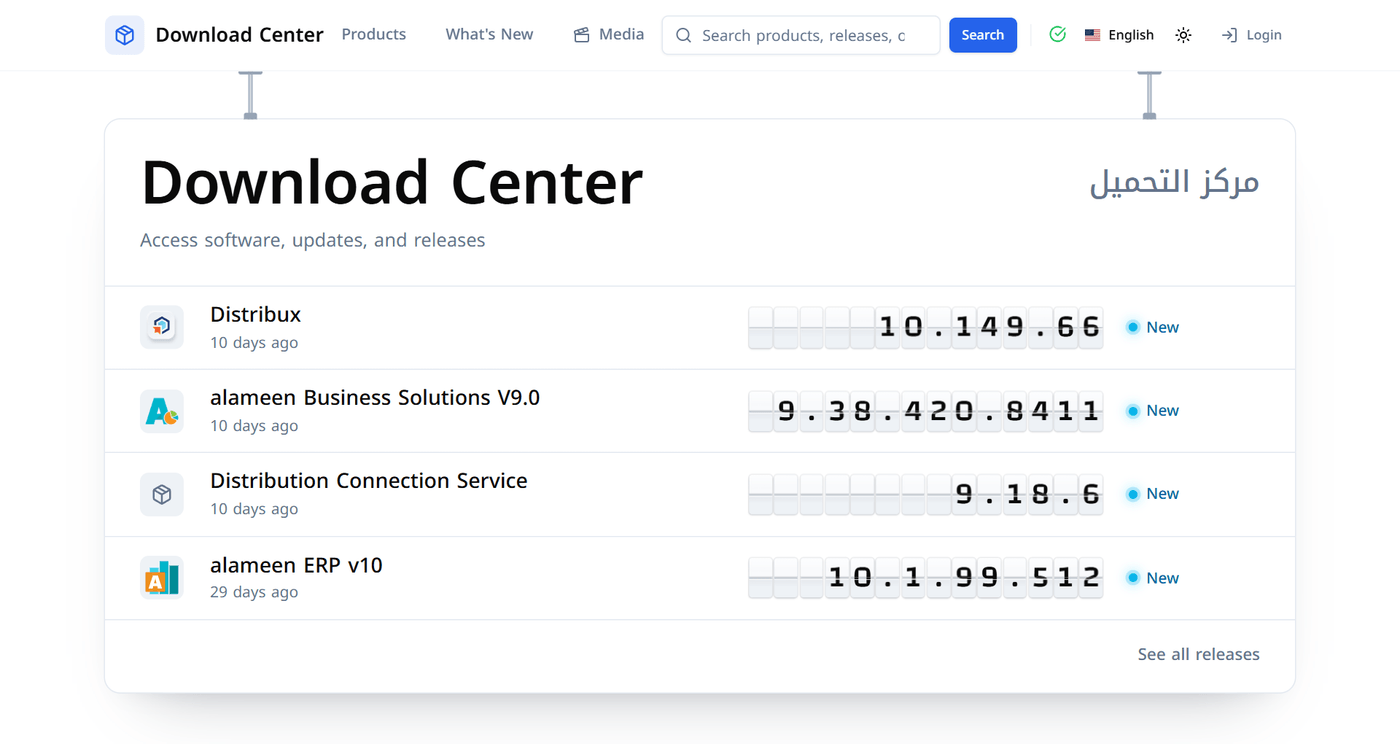
The home page: latest versions at a glance
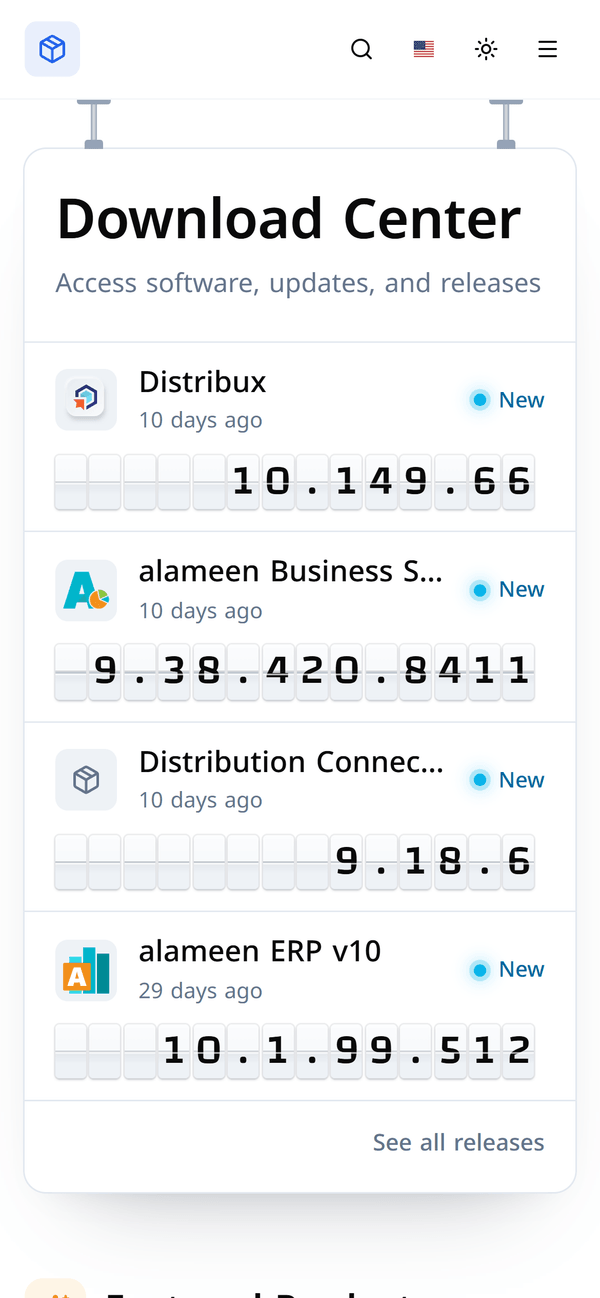
The release board at the top of the home page shows the newest version of each product, and recent releases carry a New badge. Click See all releases to see everything published recently.
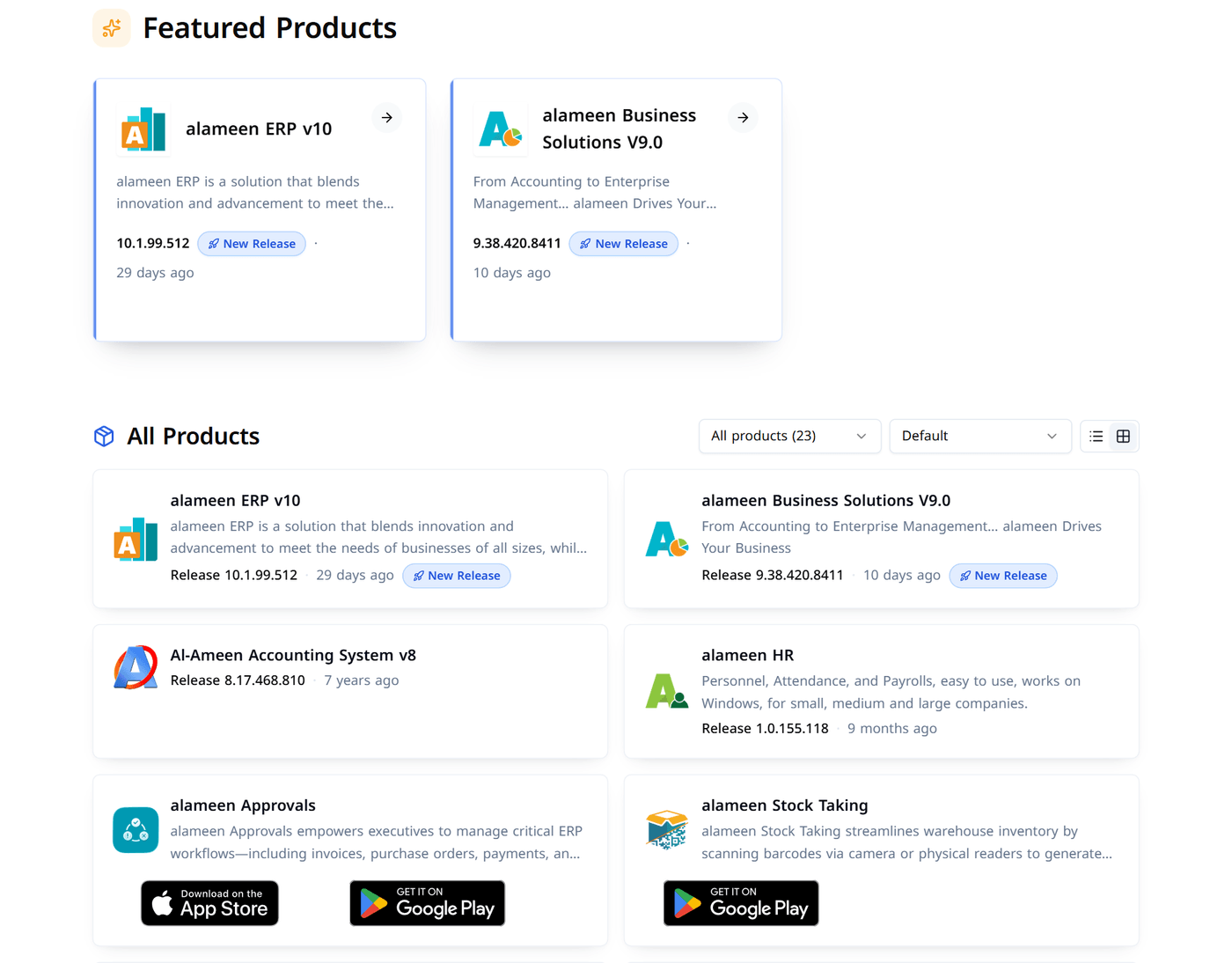
Browse all products
Below the board you'll find Featured Products and the full All Products list. You can:
Filter by category to show only the product family you're interested in.
Sort the list: Default, Newest first, Oldest first, or by Type.
Switch views between rows and cards using the buttons on the right.
Each product shows its latest version number and how long ago it was released. Mobile apps link straight to the App Store and Google Play.
The product page
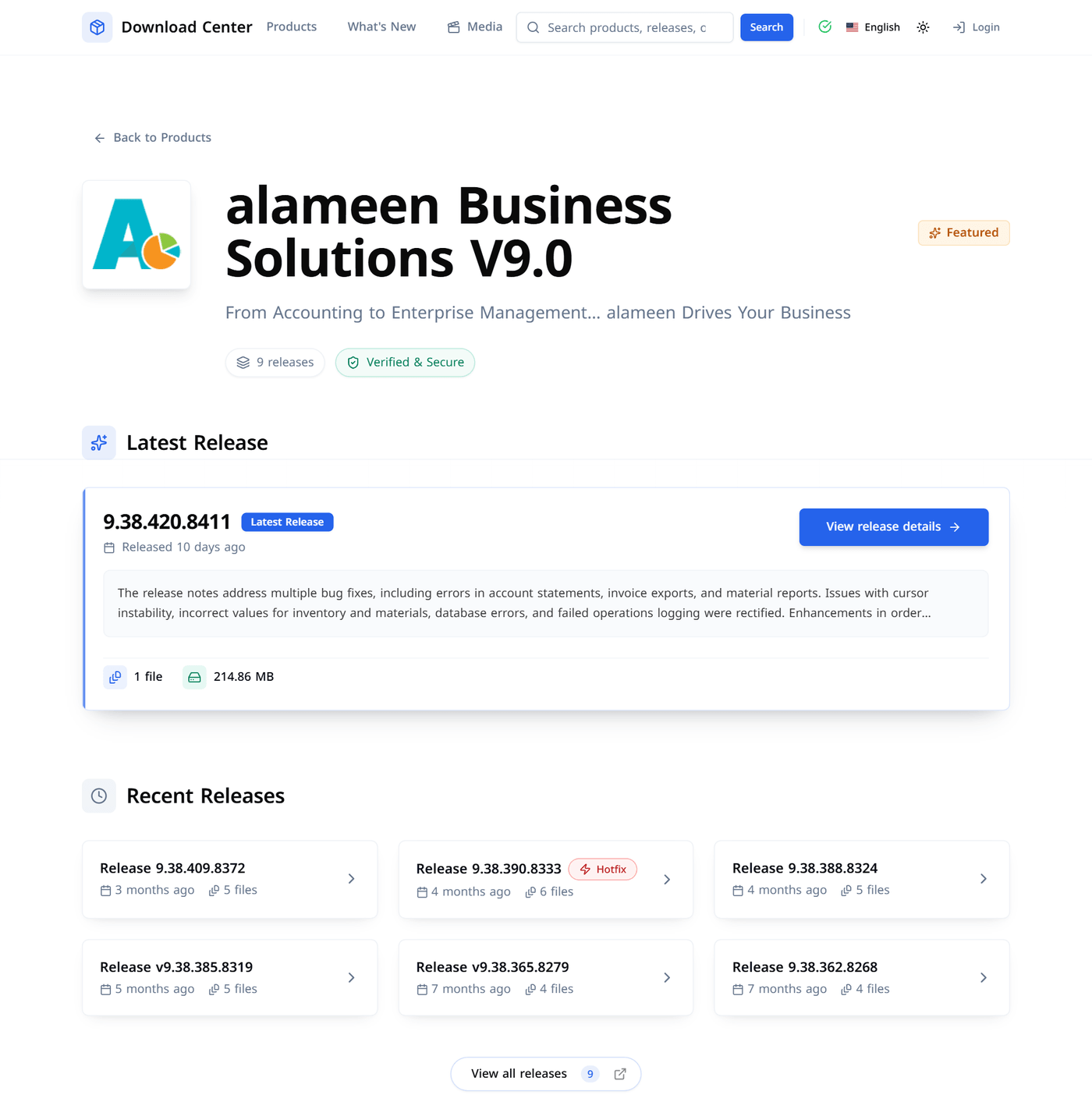
Every product has its own page with:
Latest Release: the newest version, a short summary of what changed, the number of files and the total download size.
Recent Releases: earlier versions, with urgent fixes marked Hotfix.
View all releases: the complete version history, if you need an older build.
The release page: everything about one version
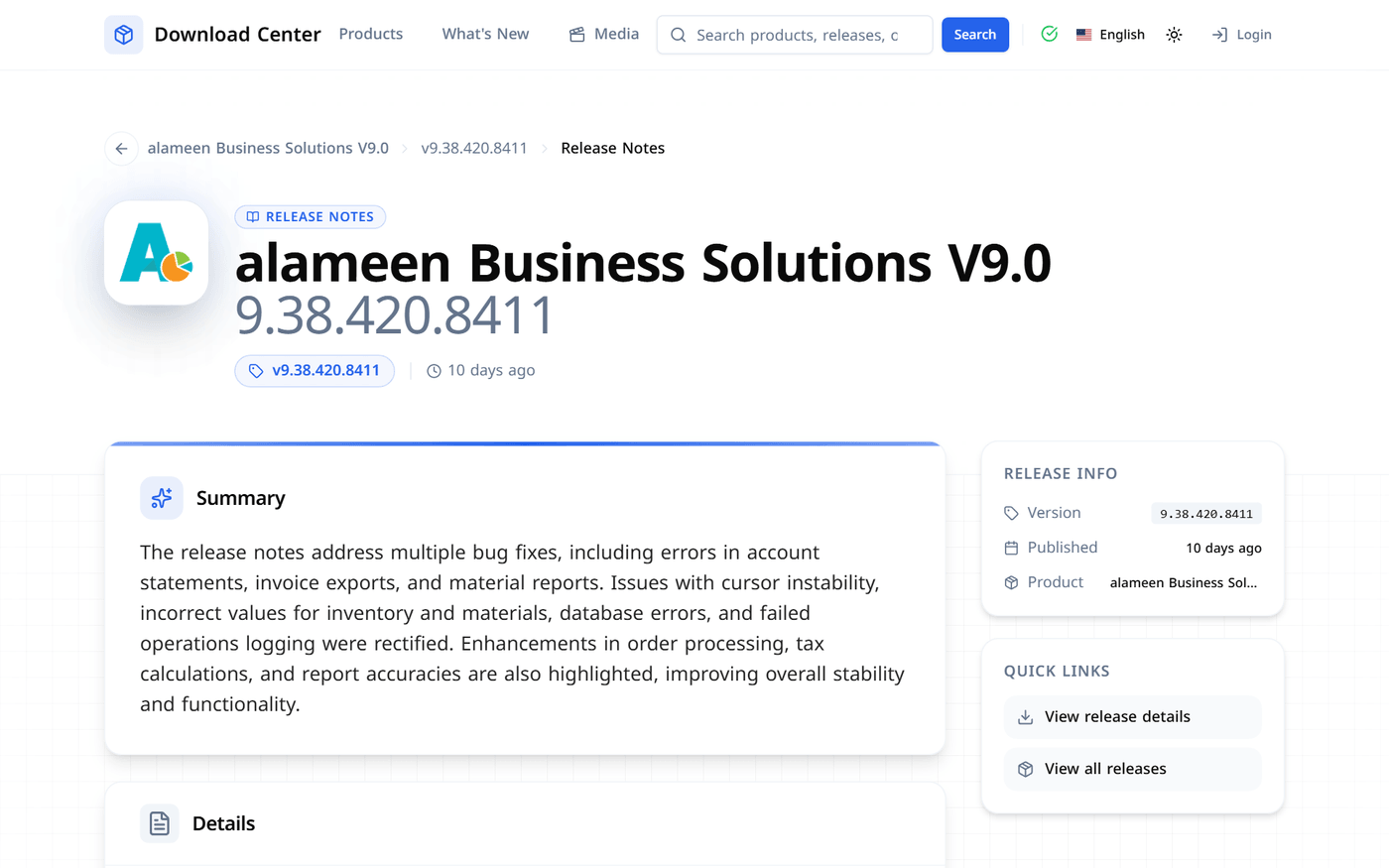
Click View release details to open a release. At the top you'll see the release date, the number of files and the download size, followed by a summary of the release notes and the Version Files list with a Download button for each file.
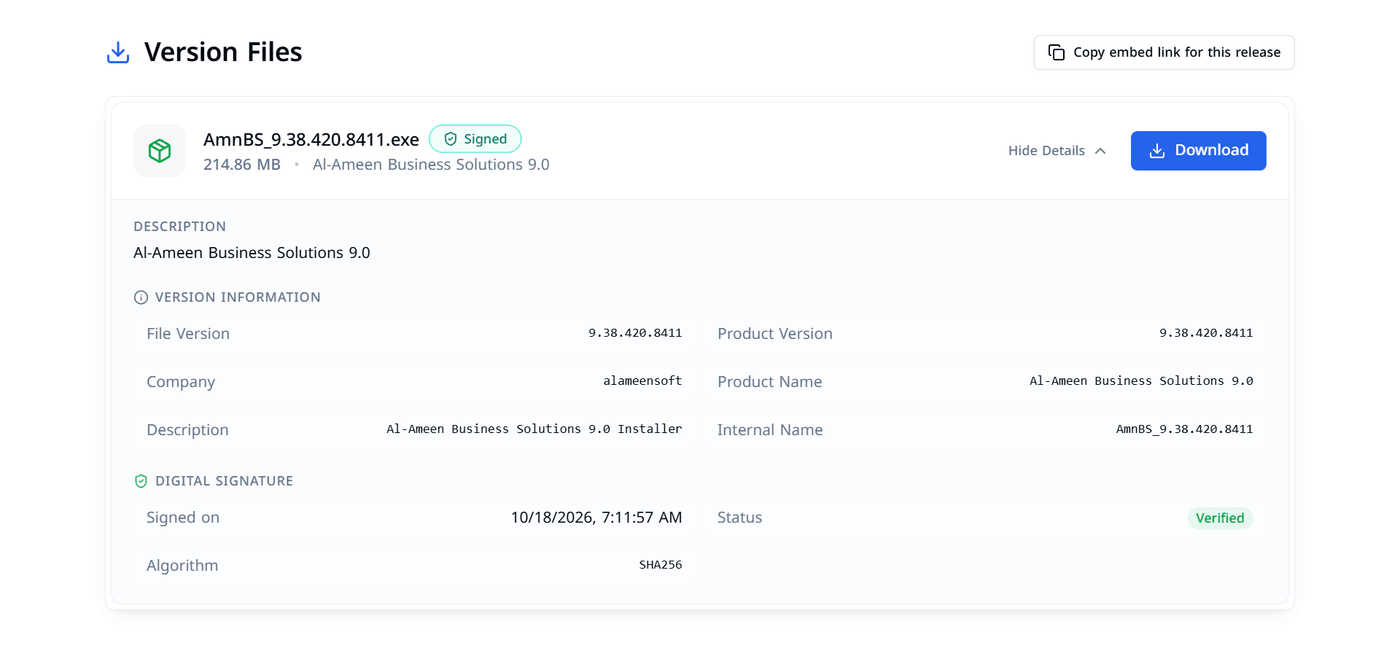
Check before you install: file details and digital signature
Click Show Details on any file to see:
Version Information: file version, product version, company and product name, taken from the installer itself.
Digital Signature: when the file was signed, the signature algorithm, and a Verified status.
This lets you confirm that you downloaded a genuine alameensoft file of the version you expected.
Full release notes
Click Show full release notes to read everything that changed in a version: a short Summary followed by the full Details list of new features and fixes. The page is set up for printing, so you can print the notes or save them as a PDF from your browser.
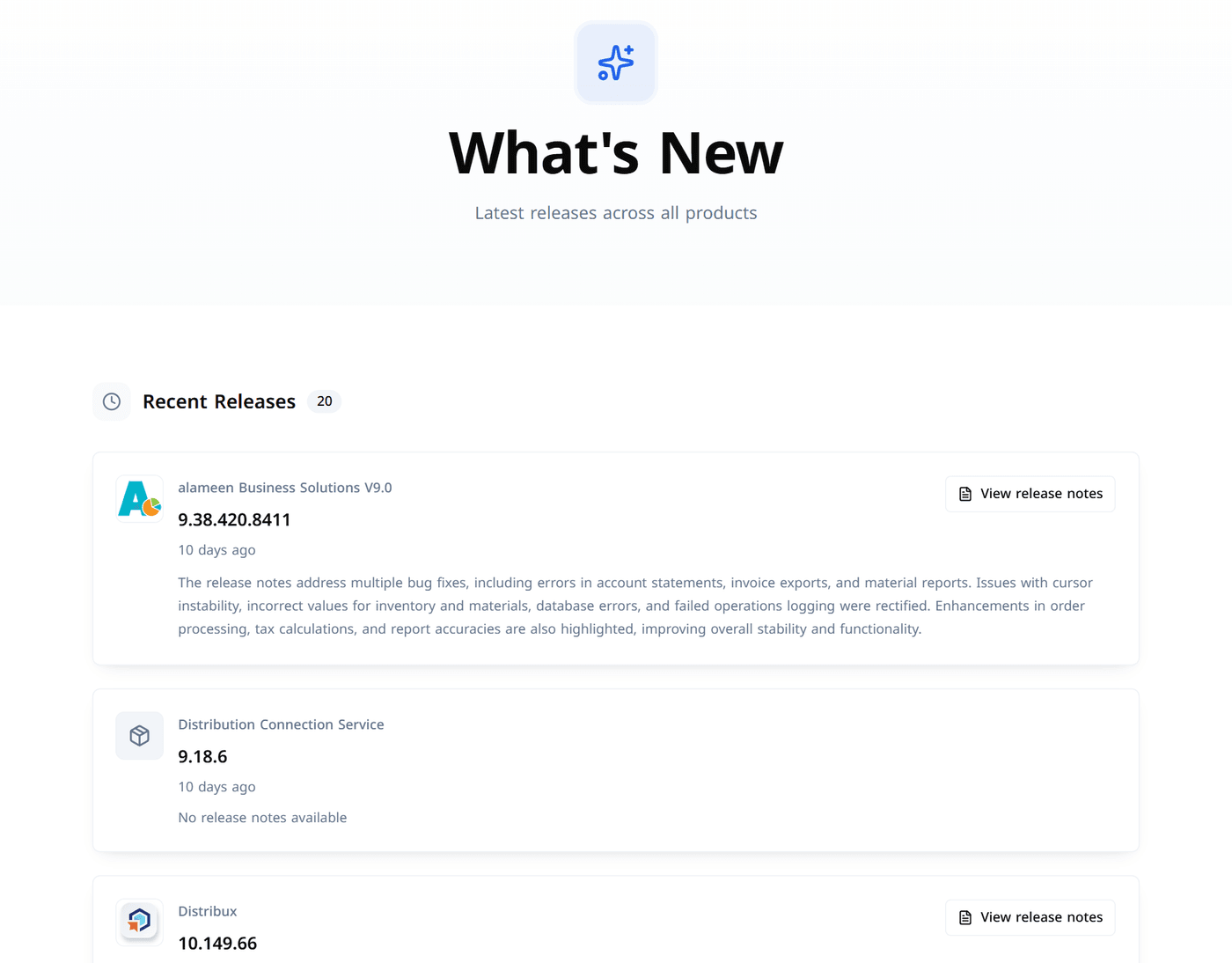
What's New: every update in one feed
What's New in the top menu lists the latest releases across all products, newest first, each with its summary and a View release notes button. It's the quickest way to see what we've shipped lately.
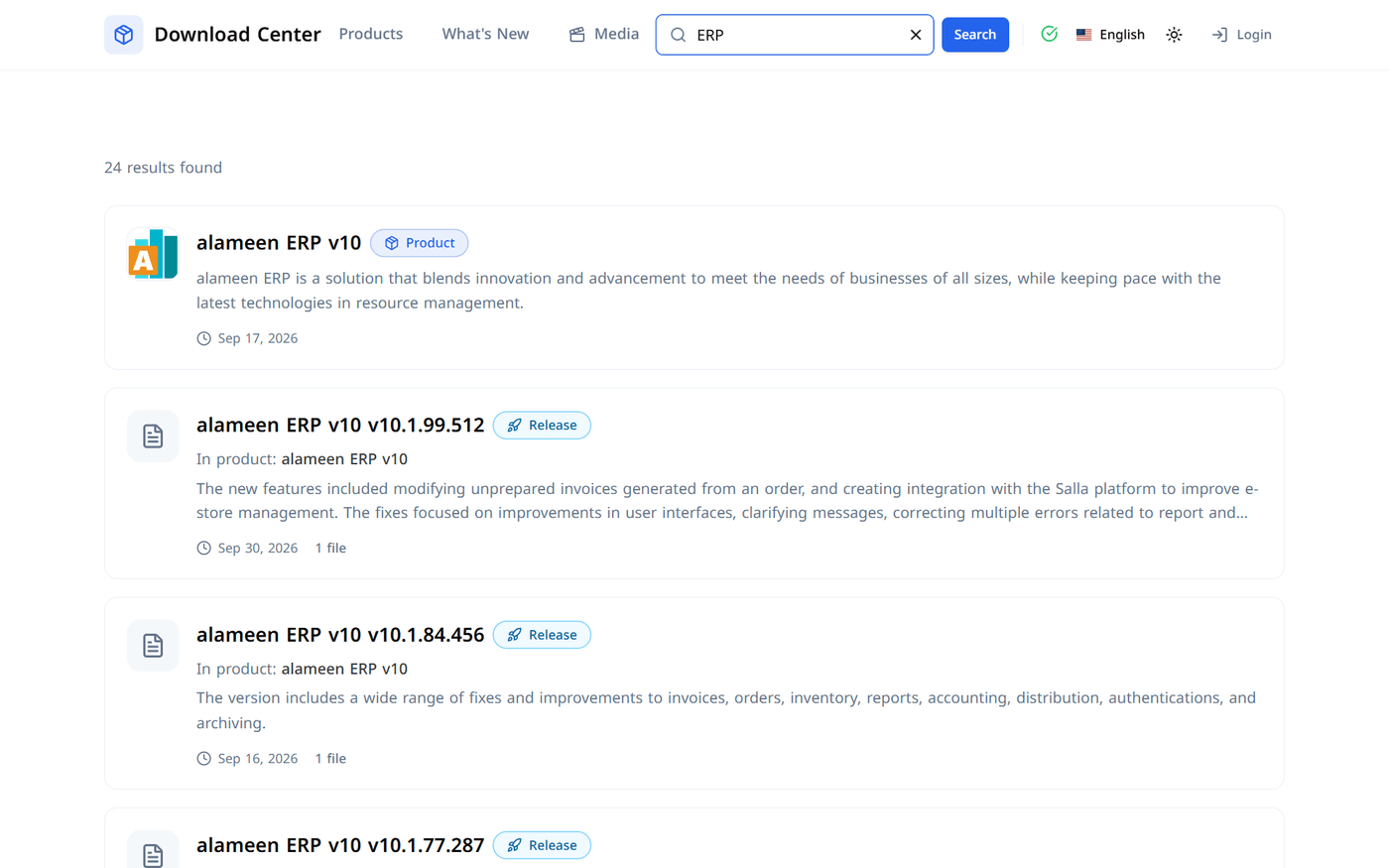
Search
Type a product name, a version number or a file name into the search box at the top of any page. Results are labeled Product, Release or File, and each release result shows a short summary of its notes, the date and the number of files, so you can jump straight to the version you need.
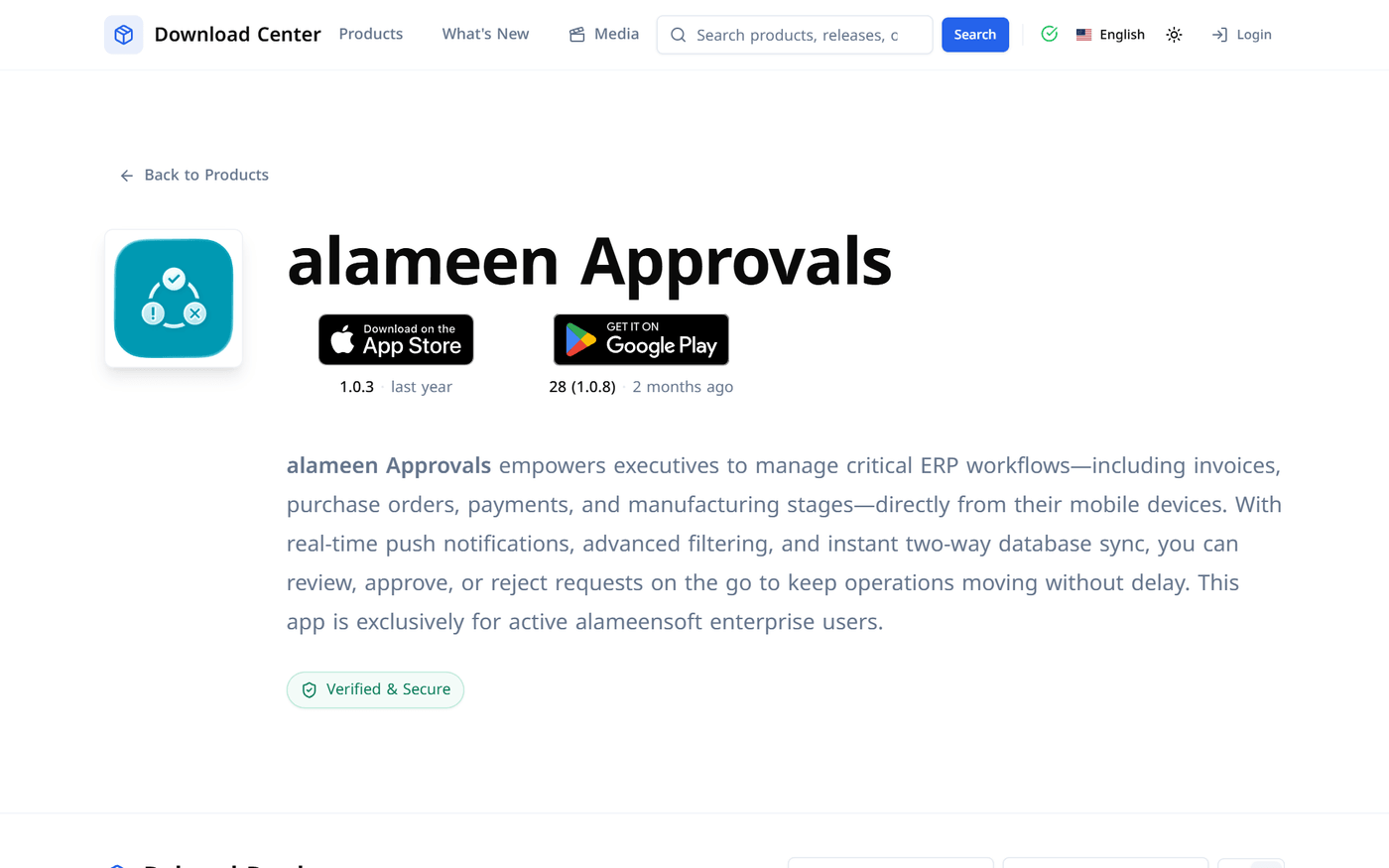
Mobile apps
For our mobile apps, the product page links directly to the App Store and Google Play and shows the current version in each store.
On your phone, in your language
The whole site adapts to small screens, so you can find a download link on your phone and send it to your computer.
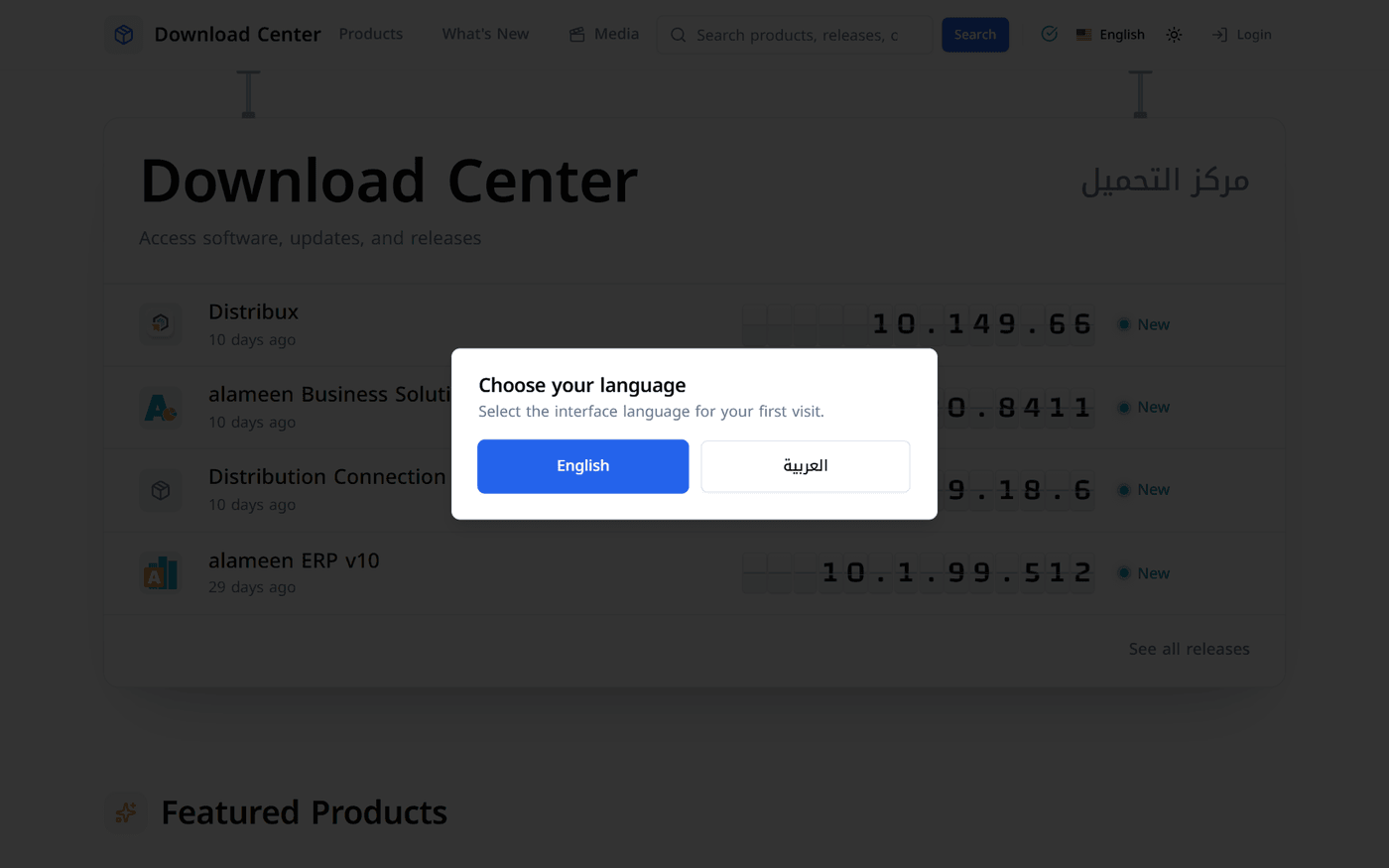
On your first visit you'll be asked to choose English or العربية. You can switch language at any time from the top menu, and use the sun/moon button to turn dark mode on or off.
Handy extras
A link that always points to the latest version. Add
/latestto any product's address and it will always open that product's newest release. For example, downloads.alameensoft.com/products/amn9/latest always opens the latest alameen Business Solutions V9.0 release. It's useful for bookmarks and for your IT team's documentation.Release notifications by RSS. Subscribe to our releases feed in any RSS reader to hear about new versions as they're published. There's also an Arabic feed. You'll find it under API & Feeds at the bottom of every page.
Embed a download list on your own site. On a release page, Copy embed link for this release gives you a compact download list that you can place on your intranet or support portal.
System status. The green check in the top menu, and System Status in the footer, show whether the service is running normally.
Start downloading
Visit downloads.alameensoft.com and bookmark it. It's the official place for every alameensoft download. If you have questions or can't find what you're looking for, contact our support team as usual.
Comments
Log in to join the conversation.