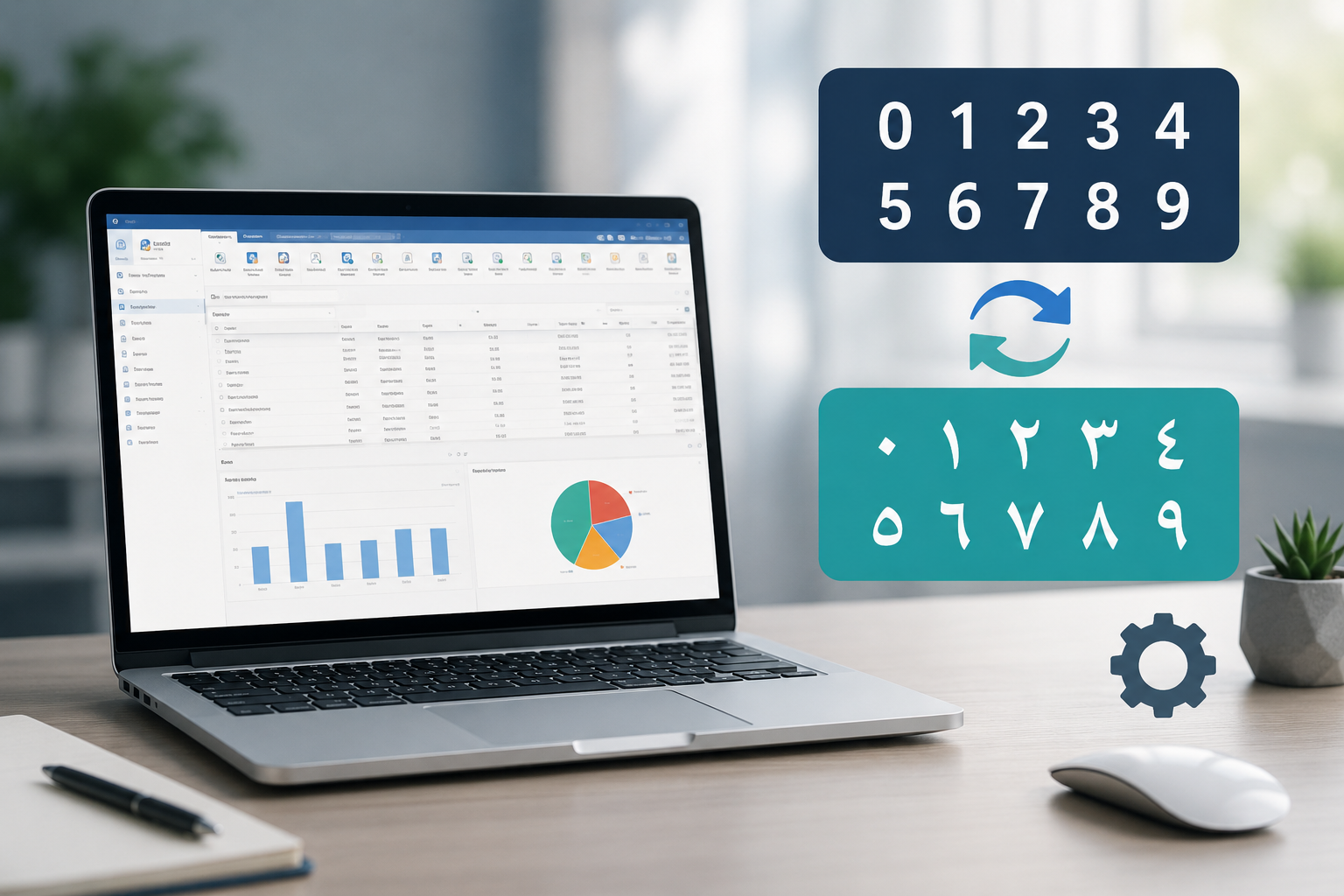
How to Switch Between Arabic and Hindi Numerals in alameen ERP
Al-Ameen ERP displays numbers based on Windows number format settings, and you can switch between numeral styles seamlessly.
The index
Official news and updates from alameensoft.
Al-Ameen ERP displays numbers based on Windows number format settings, and you can switch between numeral styles seamlessly.
Al-Ameen ERP displays numbers based on Windows number format settings, and you can switch between numeral styles seamlessly.

Answers to the most frequently asked questions by clients.
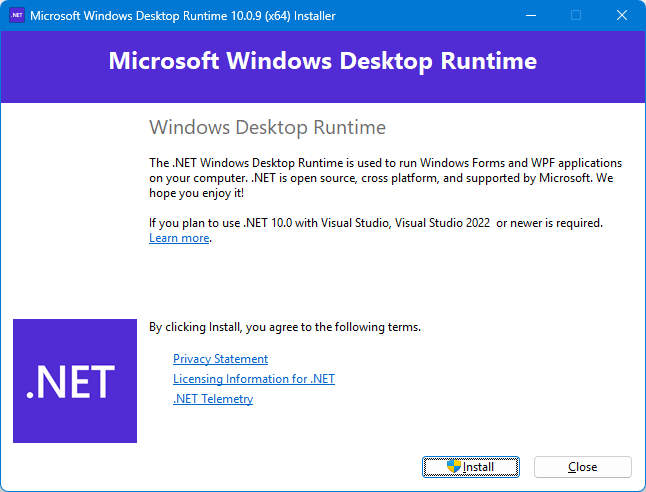
يتطلب تشغيل برنامج الأمين ERP 10 وجود نسخة دوت نت 10 (إصدار 64 بت) ، يجب تثبيتها على جهاز الكمبيوتر الخاص بك، قبل أو بعد تثبيت برنامج الأمين ERP 10، على جهاز الكمبيوتر الخاص بك، إن تثبيته ليس بالأمر المعقد! إليك شرح…
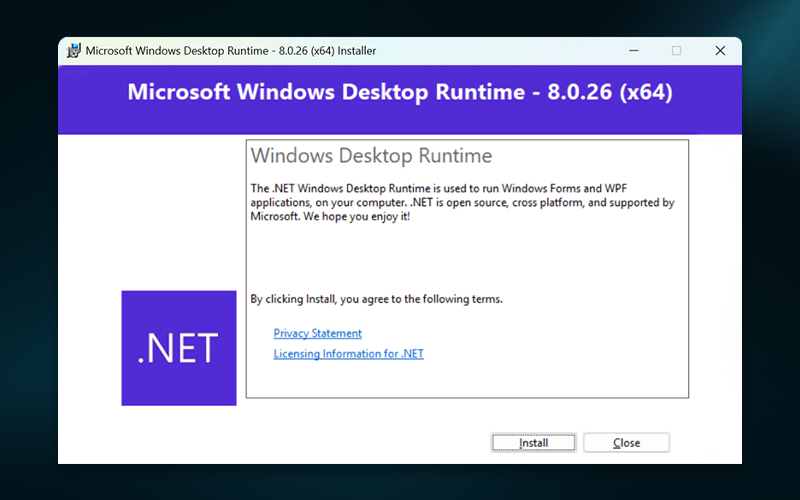
يتطلب تشغيل برنامج الأمين ERP 10 وجود نسخة دوت نت 8 (إصدار 64 بت) ، يجب تثبيتها على جهاز الكمبيوتر الخاص بك، قبل أو بعد تثبيت برنامج الأمين ERP 10، على جهاز الكمبيوتر الخاص بك، إن تثبيته ليس بالأمر المعقد! إليك شرح…
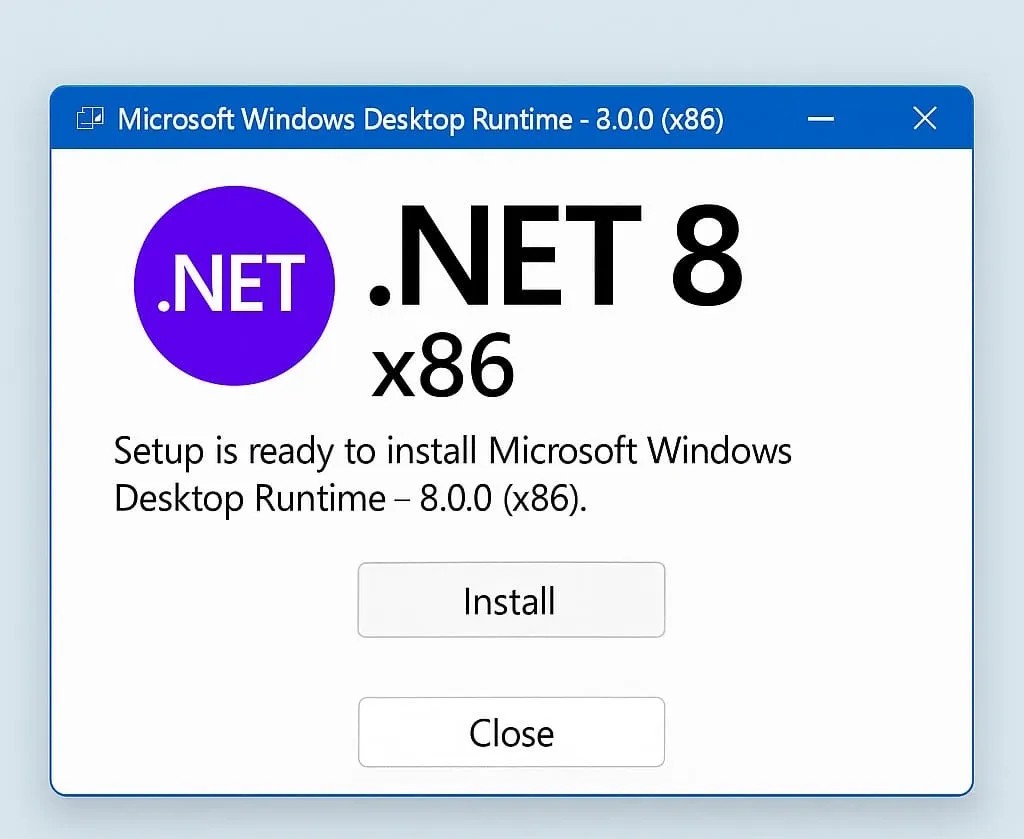
إذا كنت ترغب في تشغيل برامج أو تطبيقات تعتمد على إطار عمل دوت نت 8 (إصدار 32 بت) على جهاز الكمبيوتر الخاص بك، فإن تثبيته ليس بالأمر المعقد! في هذه المقالة، سنشرح خطوة بخطوة كيفية تثبيت دوت نت 8 (إصدار 32 بت) بطريقة…